

Bold claim, I know. Stay with me.
Five months ago, I started building an ear training app. The kind that helps musicians recognize notes, intervals, chords, and scales just by hearing them, so they can pick up a song by ear instead of relying on sheet music.
I shipped a first version. It wasn’t great. In April, I scrapped most of it and rebuilt the app from scratch.
This is the story of what happened in between, and why I now believe I’ve made the ear training app I’d actually want to open every morning.
You can download it here.
How Coco started
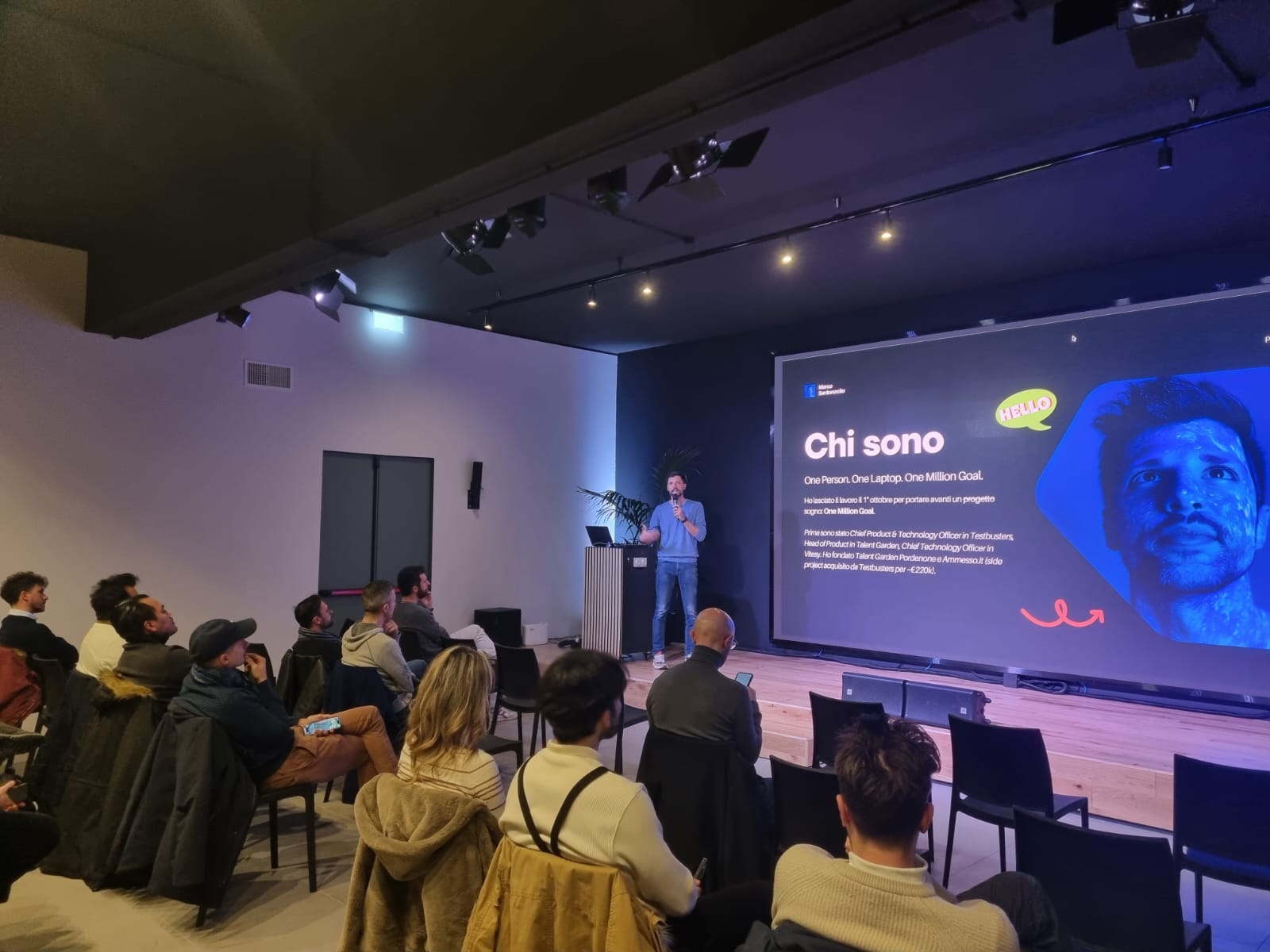
It started with a talk in Turin.
I was invited on stage to build an app live in 60 minutes using ChatGPT and Lovable. I wrote about that experience in a previous post. The app I built that day was ChromaKid, a small prototype to teach absolute pitch to kids through color associations.
The idea came from a study I had read by Ayako Sakakibara, a Japanese researcher who showed something fascinating:
Perfect pitch isn’t a talent you’re born with. It’s a skill that can be acquired between ages 0 and 6, through a structured method called the Chord Identification Method.
ChromaKid was a fun stage demo. But I didn’t pursue it.
I have a 2-year-old daughter, and I’m not enthusiastic about putting her in front of a screen. The more I sat with the idea, the more I asked myself a different question.
What if it’s possible to train an adult ear too?
I started reading. The research is encouraging. While true perfect pitch is hard to acquire after a certain age, relative pitch can be improved at any age. With enough focused practice, an adult musician can get remarkably close to the kind of fluency only “naturals” seem to have.
That’s where Coco was born. Not as an app for kids. As an app for the version of myself who was tired of opening every other ear training app and finding the same boring drills.
The first version
I started building Coco at the end of December.
I want to be honest about this part. The first version wasn’t terrible. It just wasn’t different. It was, more or less, a polished version of every other ear training app on the App Store.
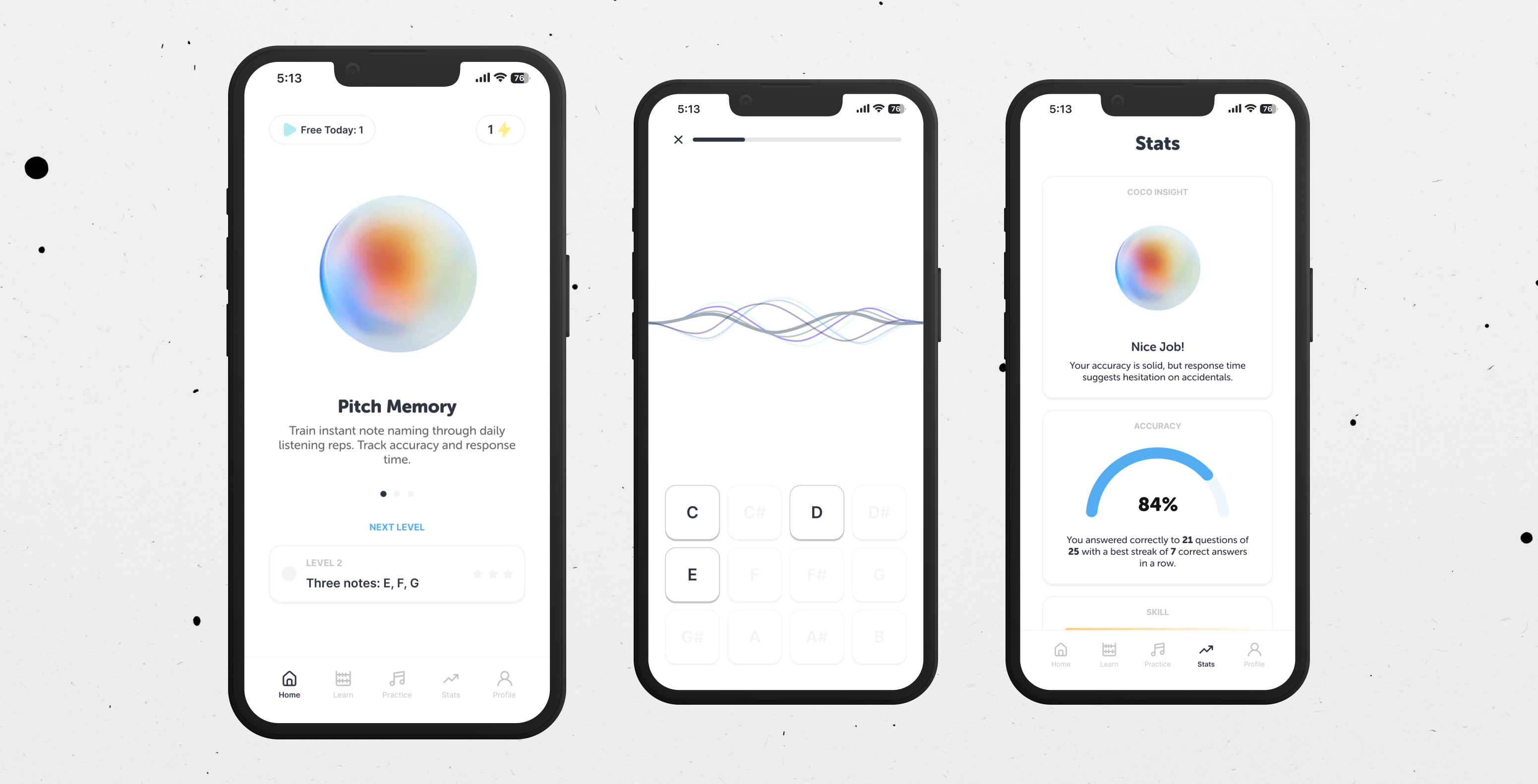
The app had two main sections.
Learn was a series of microlearning slides, each followed by a short practice session. Theory first, then drill. It looked clean. It worked.
Practice was a free-form section where users could customize their own training: pick the exercise, the difficulty, the notes, and go.
Sounds reasonable, right? It was. The problem is that “reasonable” doesn’t make people open an app every morning.
By February, I had about 50 organic users from early ASO work on the App Store. I emailed them and asked for honest feedback. The replies were polite, but the words kept circling around the same shape:
“It’s not very engaging.”
“I don’t feel excited when I open it.”
“I don’t think about using it every day.”
The data agreed. A few users genuinely loved the app and used it consistently. Most others tried it for a few days and quietly stopped.
But here’s the moment that actually pushed me to rebuild. I noticed I wasn’t opening it either.
I’m a musician. I have perfect pitch. I’m building an ear training app. And I had no internal pull to open my own product on my own phone.
That was the signal. If the founder is bored by what he’s building, no amount of new features will save it.
So at the start of April, I scrapped the UX, the UI, and most of the logic. I kept the codebase, but I rebuilt almost everything from scratch with one rule:
Build the app I’d actually want to use every day.
What Coco is now
The new Coco is built around five sections, each with a clear job.
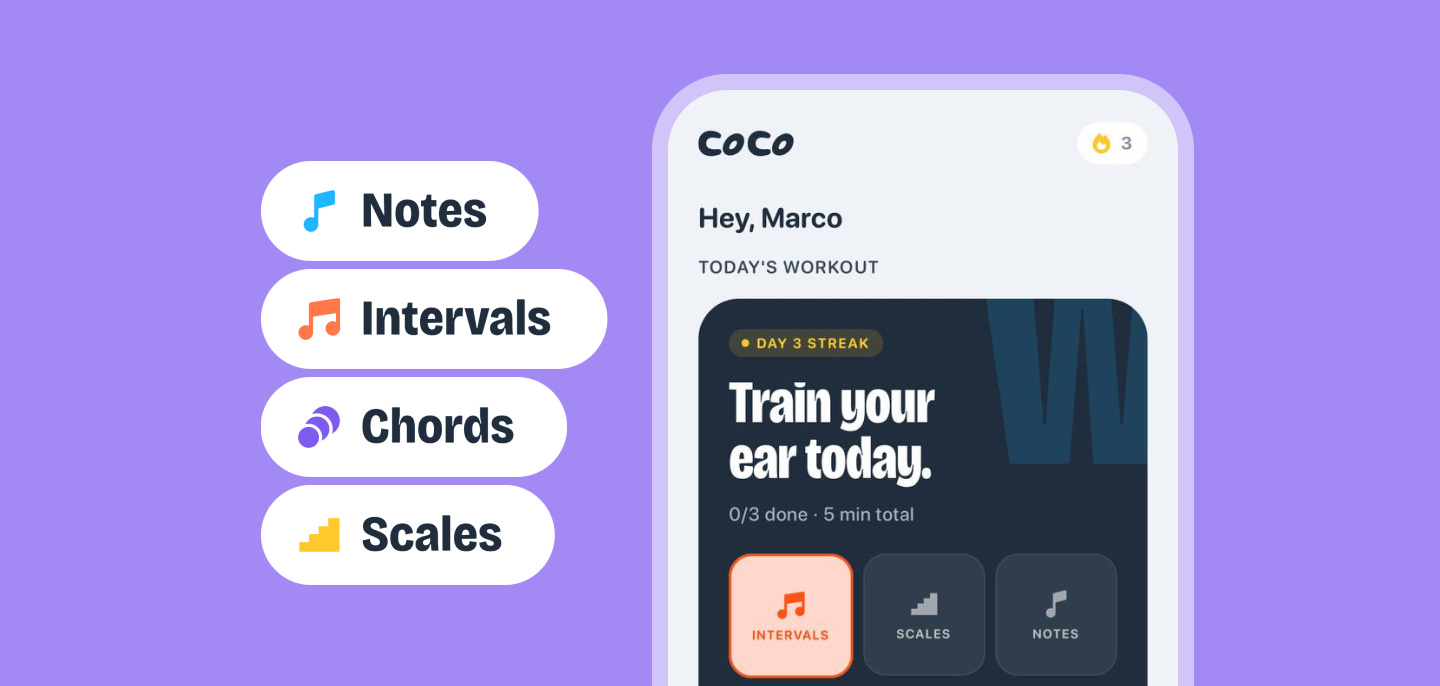
Daily workout
Daily workout is the first thing you see when you open the app. Every morning, Coco generates a session based on your skill, your progress, and your current level. You don’t have to decide what to practice. The app decides for you. You just open it and play.
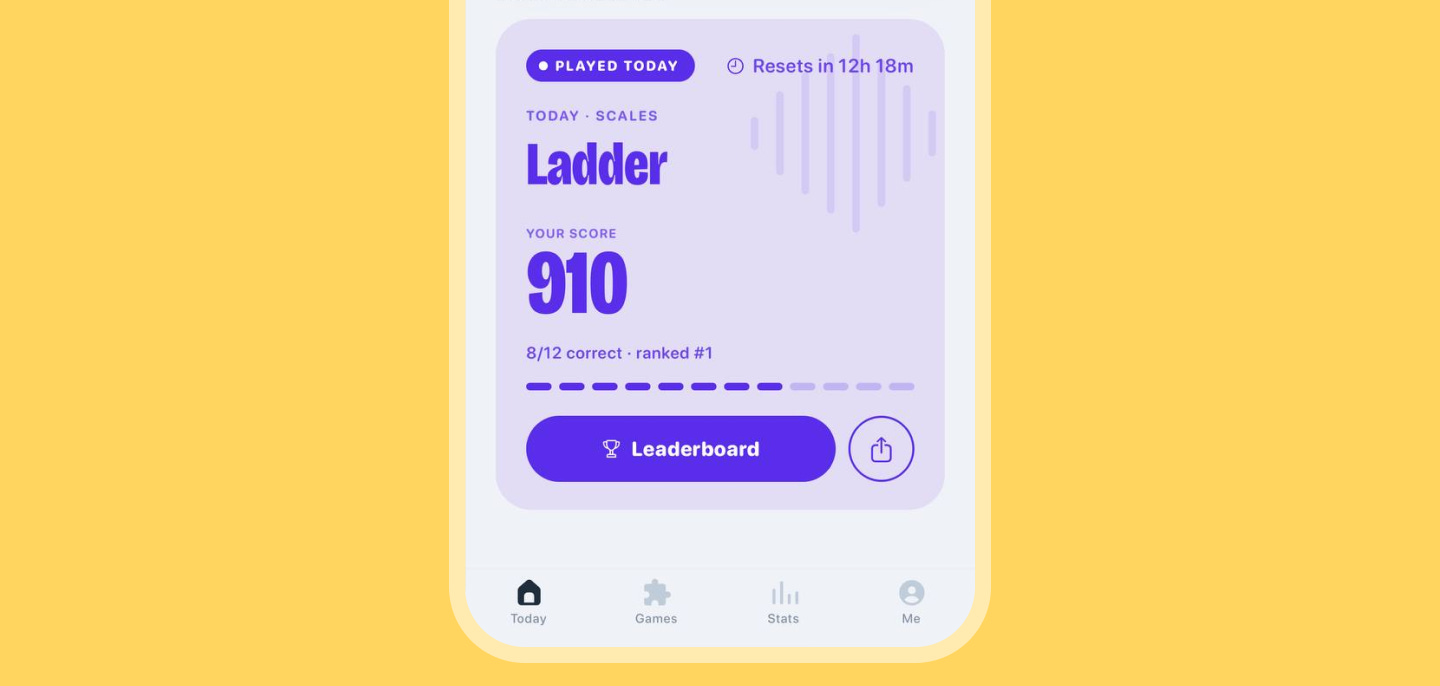
Daily challenge
Daily challenge is a global session, the same for every musician on Coco that day. It’s small, but it makes the app feel alive. It’s also the one thing free users can always access, so the streak is preserved no matter the plan.
Games
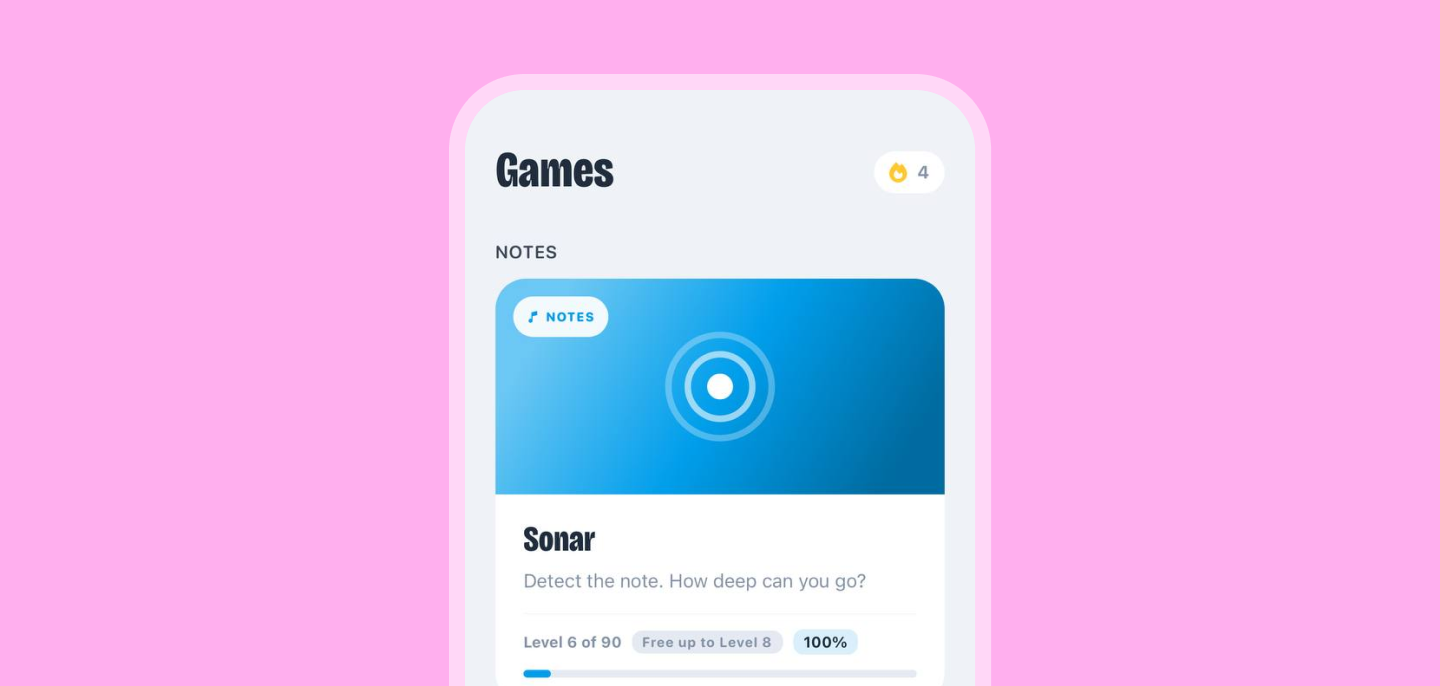
Games is where the biggest shift happened. Instead of one generic “practice” mode, Coco now has seven different games, each focused on a specific listening skill: notes, ascending intervals, descending intervals, chords, scales, interval comparison, and pitch memory. They have names and personalities. Sonar, Triad, Climb, Fall, Ladder, Span, Pitch.
Practice
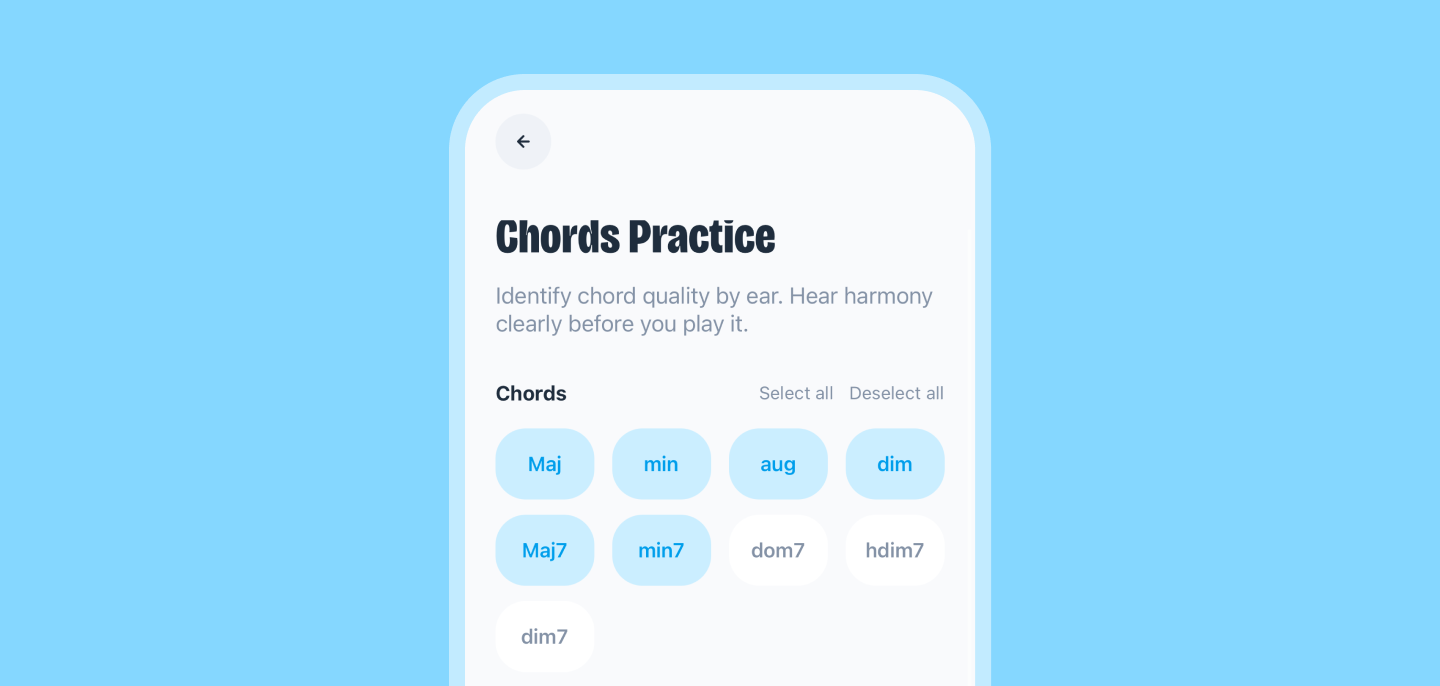
Practice is the only section I kept from the old version, refined. Users who want to design their own session can still do it. But it’s no longer the main experience. It’s an option, not the default.
Statistics
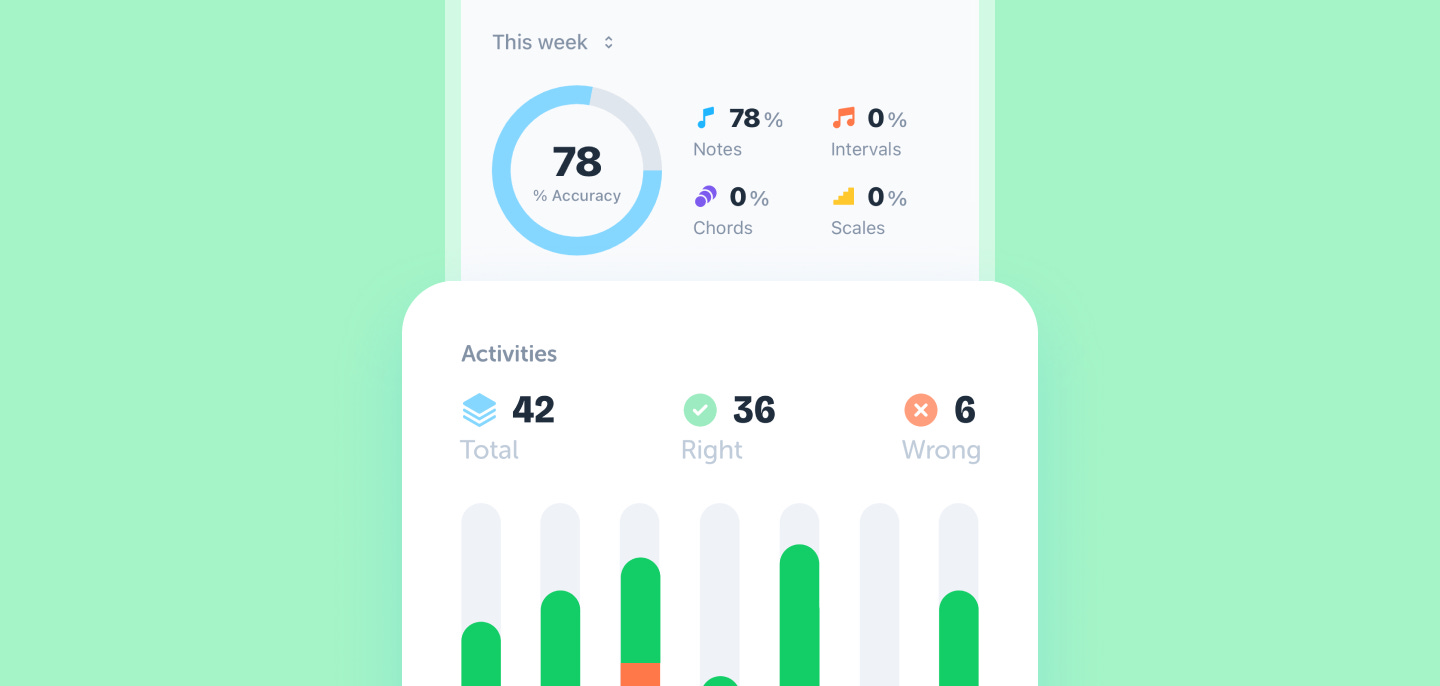
Stats and Coco Proficiency Index. Every musician on Coco has a live skill rating between 0 and 5,000, split across notes, intervals, chords, and scales. It rises when you outperform yourself, falls when you stop practicing or underperform. It’s not a scientific certification. It’s a way to make ear training feel measurable, the same way a chess rating makes chess feel measurable.
Sessions are short by design. Around 10 to 25 questions. Time pressure on each answer. Lives. Stars. A real pass/fail threshold. The app rewards consistency, not grinding.
The whole thing went from “a list of things to do” to “a small daily workout I look forward to.”
I notice the difference because I’m one of the users.
How I built it
For the builders reading: the website runs on Next.js, hosted on Vercel. The mobile app is built with Expo. Supabase handles the database, authentication, and edge functions. RevenueCat and Stripe take care of monetization, and Astro powers the ASO work that brought in the first users.
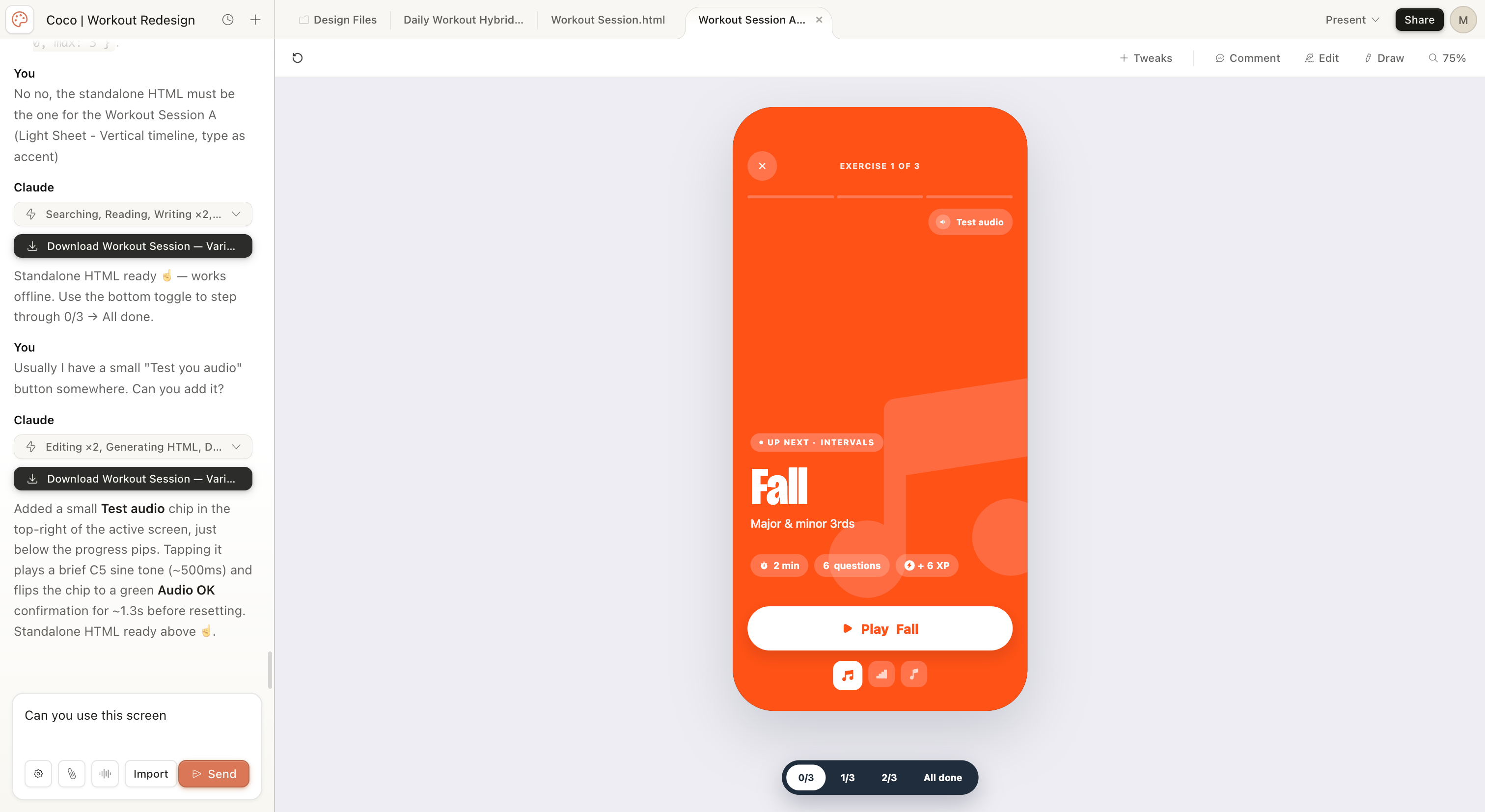
Most of the development happened in Claude Code and Cursor, with Claude doing the reasoning work behind the scenes. The design started as a rough system I sketched myself, then got refined with Claude Design.
The most experimental piece is a self-built agentic system using Claude Managed Agents, plugged into the Ahrefs MCP. It scans for SEO opportunities and drafts content around them, so the site can keep growing organically without me writing every post manually.
I’ll go deeper into all of this in the next piece.
Proof it’s actually working
A few weeks after the rebuild, one of the very first Coco users wrote me this:
“Even after just a few sessions, I can already hear the difference. The other day I was casually playing guitar, not even my main instrument, and one I’ve never properly studied, and for the first time I started figuring out new chords completely by ear.”
That’s the kind of feedback that makes you stop scrolling.
He didn’t say “the UI is nice” or “the streaks are motivating.” He said I’m hearing things I couldn’t hear before. That’s the entire point of the app.
For me personally: I have perfect pitch, but I’ve noticed it needs maintenance, especially as I get older. Coco is helping me keep it sharp. My accuracy is measurably going up. I can feel it when I sit at the piano.
This is the part where the founder bias would normally kick in, and I’d say “and I’m sure it’ll work for everyone.” I won’t. I have 114 users today. That’s not enough to make any kind of universal claim. But it’s enough to know that for the people who stick around, something real is happening.
Where Coco is today
114 registered users, all acquired organically through ASO. No paid acquisition. No LinkedIn pushes. Just App Store keyword work and a bit of word of mouth.
The model is freemium. Free users get a few games per day and full access to the daily challenge, every day, forever. Coco Pro unlocks the entire app, all games, all levels, all daily workouts, all future integrations for €49,99 a year.
It’s currently discounted to €29,99. New users have 48 hours to get the first year at €19,99.
This article is the first time I’m really pushing Coco to my own audience.
Until now, the only people who knew about it were beta users or musicians who happened to type “ear training” into the App Store and find it. From here, I want to see what happens when the people reading One Million Goal also start opening it.
If you’re a musician, a producer, a singer, a guitarist, a piano student, or just someone curious to know what your ear can actually hear, I’d love it if you tried it.
What’s next
In the next few days I’ll publish a separate piece, How I built Coco. The full story behind the workflow. If you’re building something yourself, that one might end up being more useful to you than this one.
If there’s a specific part you want me to go deeper into (design, development, tools, prompts, anything), drop it in the comments. The more I know what you actually want to read, the better I can write it.
Building Coco taught me something I’d been circling for a while.
When building stops being the hard part, what to build, how to build it, and how to design it become everything.
It also reassured me of something else. In an era where everyone with AI can build, our skills and our taste, the years we've spent learning what makes a product worth using, still matter. Probably more than ever.
So, the bold claim from the title.
I think I just made the best ear training app so far.
It was probably too bold. But I do believe this: I made the ear training app I'd actually open every morning.